10 Costly Mistakes Your Business Makes Using Excel for Business Accounting
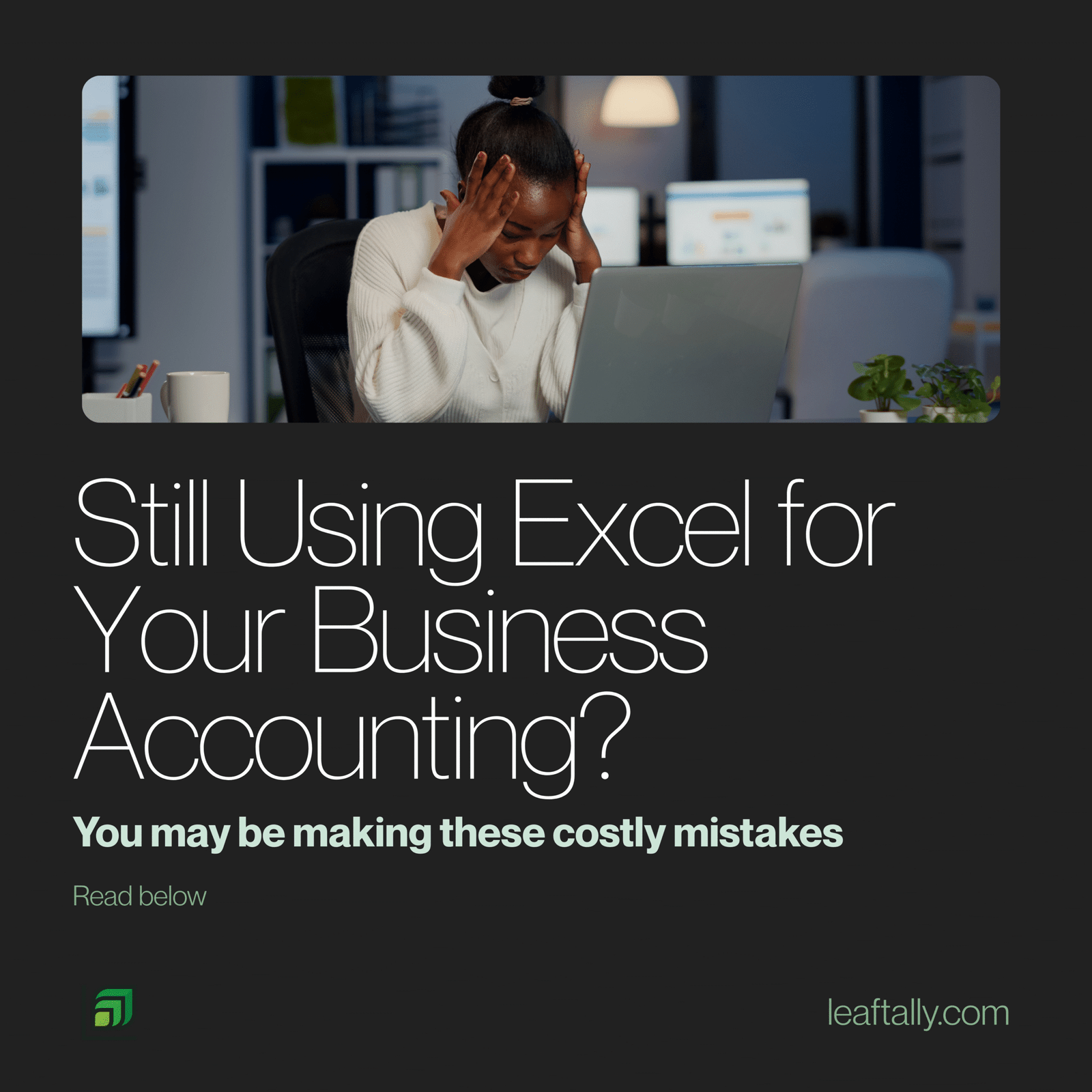
For many small and medium-sized businesses, the journey into managing finances often begins with a familiar friend: Microsoft Excel. It’s accessible, versatile, and, for basic number crunching, seemingly powerful. But beneath its friendly facade lies a labyrinth of potential pitfalls, especially when it comes to the complex world of Excel for business accounting. What starts as a convenient tool can quickly evolve into a costly trap, riddled with errors, inefficiencies, and compliance nightmares.
If your business still relies heavily on Excel for business accounting as its financial backbone, you might unknowingly be making mistakes that could jeopardise your growth, compliance, and even your peace of mind. Let’s pull back the curtain on the most common and damaging errors you’re likely making by sticking with spreadsheets for your accounting.
Mistake #1: The Human Error Epidemic
Excel is only as accurate as the data you input and the formulas you create. One mistyped number, one forgotten formula update, one incorrect cell reference, and your entire financial picture can be skewed. Unlike dedicated accounting software, using Excel for business accounting offers minimal error checking, leaving your business vulnerable to manual mistakes that can lead to incorrect tax filings, misguided financial decisions, and even cash flow crises. Imagine calculating your profit margins based on a faulty sum – the consequences could be severe.
Mistake #2: Lack of Audit Trails and Version Control Nightmares
When multiple people access and modify an Excel spreadsheet, tracking changes becomes a Herculean task. Who changed what, when, and why? Excel doesn’t inherently provide a robust audit trail. This makes it nearly impossible to pinpoint errors or confirm compliance during an audit. This is particularly risky given the strict transparency requirements outlined by the Financial Reporting Council of Nigeria (FRC), which expects businesses to maintain verifiable records. Furthermore, juggling multiple versions of the “latest” spreadsheet is a recipe for chaos and data loss.
Mistake #3: Security Breaches and Data Loss Risks
Your financial data is the lifeblood of your business. Storing it in Excel spreadsheets, often saved locally on individual computers or shared drives, poses significant security risks. A lost laptop, a corrupted hard drive, or a cyber-attack could mean the irreversible loss of years of financial records. Even password protection on Excel files can be bypassed, leaving your sensitive information vulnerable to unauthorised access.
Mistake #4: Compliance Headaches and Tax Troubles
Navigating the complexities of local tax regulations while relying on Excel for business accounting is a constant battle. Following the 2025 reforms, the transition to the Nigeria Revenue Service (NRS) has introduced stricter digital enforcement. Manually calculating VAT, PAYE, and corporate taxes is now riskier than ever. Excel doesn’t automatically update with new tax laws, nor does it generate the mandatory e-invoices now required. This leaves businesses exposed to penalties, fines, and grueling audits if a mistake is made.
Mistake #5: Time-Consuming and Repetitive Tasks
Are you spending hours manually entering transactions, reconciling bank statements, or generating reports? This is a hallmark of the Excel trap. According to PwC Nigeria’s latest fiscal strategy insights, administrative bottlenecks are a primary reason SMEs fail to scale. Dedicated accounting software automates these mundane tasks, freeing up valuable time for strategic growth. Every minute spent on manual data entry in Excel is a minute lost elsewhere.
Mistake #6: Limited Scalability and Growth Bottlenecks
Excel spreadsheets might suffice for a few transactions, but as your business grows—more customers, more invoices, more employees—Excel for business accounting quickly becomes unwieldy. The sheer volume of data makes spreadsheets slow, prone to crashing, and difficult to manage. What worked for a startup of two people will not work for a thriving business of twenty. It creates a bottleneck that stifles growth and efficiency.
Mistake #7: Difficulty in Generating Meaningful Insights
While you can create charts in Excel, extracting truly meaningful insights requires advanced skills. Getting real-time cash flow projections or understanding profitability by product becomes a cumbersome, delayed process. Without readily available, accurate data that meets International Financial Reporting Standards for SMEs, making informed strategic decisions is incredibly challenging.
Mistake #8: Integration Nightmares
Modern businesses use a variety of tools: CRM systems, e-commerce platforms, and POS systems. Integrating these with an Excel-based accounting system is virtually impossible without extensive manual data manipulation. This creates data silos and prevents a holistic view of your business operations, leading back to the human error epidemic.
Mistake #9: Inefficient Collaboration (or Lack Thereof)
Sharing Excel files for collaboration is clunky. As mentioned with version control, ensuring everyone is working on the most current data is a constant struggle. Real-time collaboration, where multiple users can securely access and update financial information simultaneously, is simply not Excel’s strong suit. This can lead to delays, duplicated efforts, and frustration within your team.
Mistake #10: Over-Reliance on a Single Individual
Often, one person becomes the “Excel guru” in the company. If that person leaves, gets sick, or is unavailable, your entire financial operation can grind to a halt. This creates a dangerous single point of failure for your business-critical data and processes.
Upgrade Your Excel for Business Accounting to a Modern Nigerian Solution
If any of these mistakes resonate with you, it’s a clear sign that your business has outgrown Excel. The hidden costs of errors, inefficiencies, and compliance headaches far outweigh the perceived “free” nature of using spreadsheets.
Imagine a world where:
-
Your financial data is always accurate and up-to-date.
-
Tax compliance is automated and stress-free.
-
You have a clear audit trail for every transaction.
-
Real-time financial insights are just a click away.
-
Your sensitive data is secure in the cloud.
-
You can collaborate seamlessly with your team and accountant.
Introducing LeafTally: Your Local Solution to Global Standards
LeafTally moves you beyond the limitations of excel by providing a unified, cloud-based platform specifically designed for the Nigerian market. From automated FIRS/NRS tax reporting to seamless payroll and inventory management, LeafTally ensures your business stays compliant and scalable.
Ready to stop the spreadsheet madness? Explore LeafTally today.